Publishing a virtual real estate tour without spending a euro requires understanding what free offers actually allow and what they take away. The platforms that offer free access do not all have the same restrictions: some limit the number of properties online, while others disable navigation between rooms. The choice of capture equipment has evolved in recent years towards a flexibility that blurs the usual boundaries.
Digital accessibility and virtual tours: a recent constraint to integrate
Since June 28, 2025, the European Accessibility Act applies in France to certain e-commerce services. Specifically, a virtual tour integrated into a contact or online booking process falls within this scope.
The obligations cover several points: textual description of spaces, keyboard navigation possible, sufficient contrasts, content that does not rely exclusively on visuals. The law of March 9, 2023, and the decree of October 9, 2023, frame this transposition into French law.
Microenterprises benefit from an exemption under certain conditions. However, for a medium-sized real estate agency publishing tours on its site, ignoring these requirements exposes it to real legal risk. None of the free software on the market automatically manages all of these accessibility criteria: it is an additional task, often manual, to be planned from the design stage.
Choosing a free virtual real estate tour software therefore requires checking if the tool at least allows adding alternative descriptions to the panoramas; otherwise, compliance will remain out of reach.
Real limits of free offers: active spaces, hosting, and navigation
Free access does not cover the same scope across platforms. Matterport limits its free offer to a single active space in 2026. For an agent managing multiple mandates simultaneously, publishing a new property means unpublishing the previous one.
Kuula offers unlimited duration hosting on its free plan but disables navigation points between rooms. The visitor sees a 360° panorama of one room without being able to click to the next. The immersive experience is thus diminished.
- Matterport free: one active space, no collaboration or technical export, advanced features reserved for paid plans.
- Kuula free: long-term hosting, but inter-room navigation absent.
- Google Street View: often mistakenly cited in this context, publishing photos taken inside a private residence is explicitly prohibited by Google.
A one-time test on a single property can work within these constraints. Managing multiple properties simultaneously in the free version remains technically impossible with current tools.
Capture equipment: the smartphone no longer closes the door to professional platforms
The opposition between smartphones and professional 360 cameras has diminished. Recent platforms accept various capture modes: smartphone photos, consumer 360 cameras, or even tablets. The results differ in image quality and rendering fluidity, but the technical entry barrier has lowered.
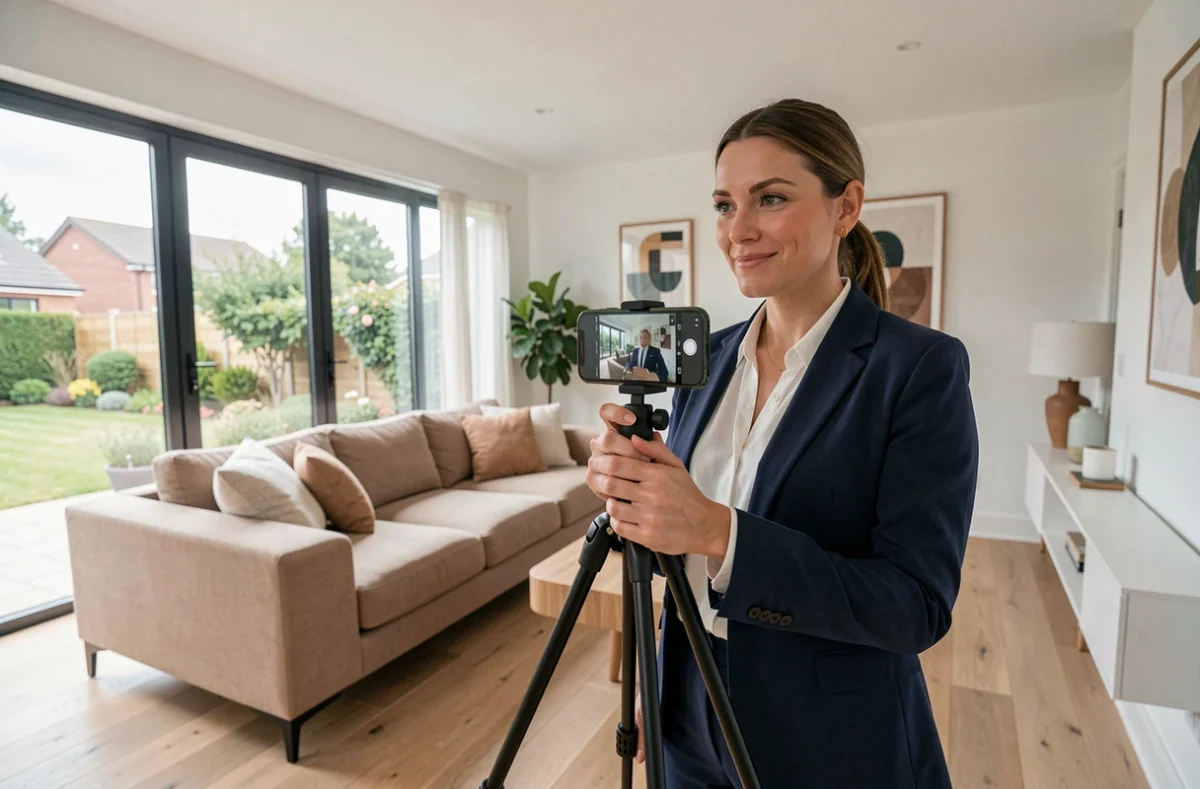
A recent smartphone is sufficient to produce a usable panorama on Matterport or Kuula. The shooting is done room by room, slowly pivoting on a fixed axis. A tripod improves stability but is not mandatory for a first attempt.
What the smartphone cannot compensate for
The optical quality of a dedicated 360 camera remains superior in two aspects: the resolution of dark areas (hallways, windowless rooms) and the consistency of the joins between the assembled images. In a bright and well-organized property, the difference between a smartphone and a 360 camera is noticeable but not prohibitive for pre-qualification use.
Field feedback varies on this point: some agents find that the smartphone tour is sufficient to filter prospects, while others report that buyers perceive a lack of sharpness that undermines the property’s credibility.
Preparing the property before the 360 shoot: what the camera does not forgive
A 360-degree view shows the entirety of the room, without off-screen areas. Flaws hidden by traditional photo framing (clutter behind the photographer, cables on the floor, mirror reflecting the tripod) become visible.
Cleaning, decluttering, and blurring personal items is a mandatory step. Visible personal data (mail, computer screen, family photos) also poses a problem regarding GDPR if the tour is publicly shared.
A few specific points of vigilance for 360:
- Check for reflections in mirrors and windows, which may show the photographer or equipment.
- Turn off television and computer screens to avoid capturing identifiable content.
- Position the capture point in the center of the room, at chest height, for a natural rendering of the space.
- Open blinds and turn on lights: the 360 camera handles strong light contrasts less well than a traditional camera.
Free virtual tour and sales process: where to place this tool
Publishing a free virtual tour does not replace a well-crafted photo report. It comes into play at a specific moment in the process: filtering physical visits by allowing remote pre-qualification. The prospect who has explored the property in 360° and then requests an on-site visit is, in principle, better qualified.
The available data does not allow for a precise conclusion on the conversion rate related to the free virtual tour compared to the paid one. The perceived quality depends as much on the preparation of the property as on the tool used.
Integration on an agency’s site raises one last technical question: free offers generate a sharing link or an embed code (iframe), but control over appearance, branding, and loading speed remains limited. For an agency seeking visual consistency across its listings, this limitation weighs more heavily than the image resolution itself.
The real cost of a free virtual tour is therefore measured less in euros than in preparation time, accepted technical compromises, and consistency with the rest of the agency’s communication.